Unlock Everyday Ease with No-Code Life Automation
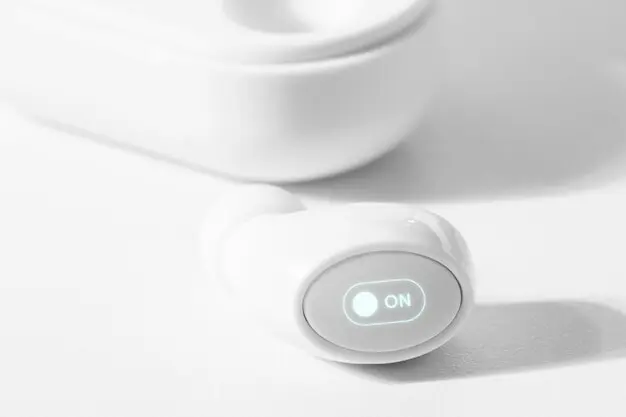
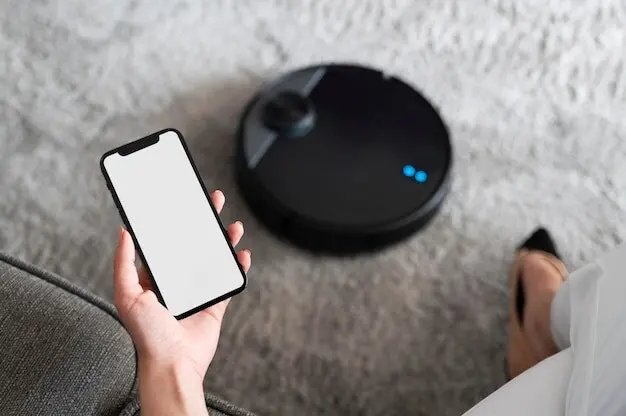
Today we dive into No-Code Life Automation, showing how everyday tasks can run themselves with approachable tools like Shortcuts, Zapier, Make, IFTTT, Notion, and Airtable. Expect practical examples, mindful guardrails, and small wins that stack. By the end, you’ll be ready to design reliable, delightful routines that return hours every single week while reducing stress and decision fatigue across work, home, and personal projects.

Wake-up rituals without the mental load

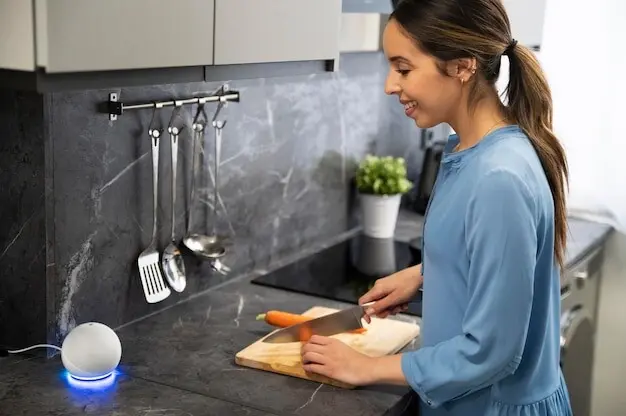
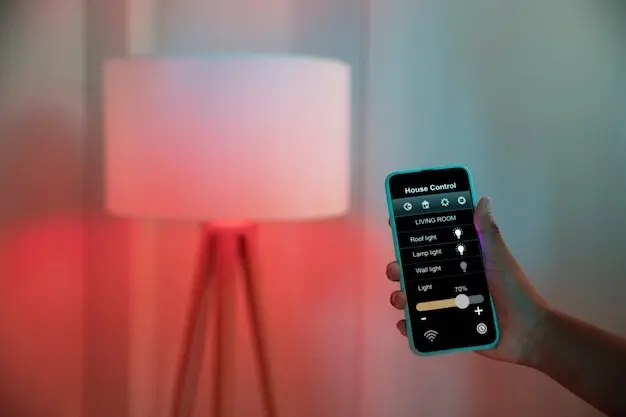
Set a morning Shortcut that fades on your bedside lamp, cues your preferred playlist at a reasonable volume, and reads the first three calendar highlights. Add a smart plug to preheat the kettle at the same time window only on weekdays. With one tap or automated schedule, you start consistent, calming mornings, protect willpower, and avoid hurried choices before your brain fully wakes.

Inbox triage that sorts itself

Use Zapier to label receipts, newsletters, and VIP messages automatically, then forward summaries to a daily Notion page or Slack DM. Starred emails become OmniFocus or Todoist tasks with due dates based on keywords like “invoice” or “reply.” This quiet sorting eliminates frantic scanning, surfaces what matters, and archives noise, so you handle communication deliberately rather than reactively, even on busy days and travel weeks.

Dinner planning on autopilot

Airtable stores favorite meals with tags for prep time, cost, and dietary needs. Each Sunday, a Make scenario picks four balanced options, generates a grocery list, and syncs it to Reminders or AnyList. Location triggers nudge you near the market, while substitutions appear when items are out of stock. Planning becomes light, flexible, and budget-aware, saving money and preventing last-minute takeout spirals.

Choosing the Right No-Code Toolkit

When simplicity beats flexibility

If you want a five-minute win, IFTTT or a prebuilt Shortcut often delivers. Connect a trigger like arriving home to actions like turning on lights, starting a playlist, and logging arrival time. The setup is visual, guardrails are strong, and documentation is friendly. You trade some complexity for speed, but gain momentum and confidence, which frequently matters more than theoretical power in everyday life.

When data needs structure

For anything list-like—habits, reading queues, maintenance tasks, pantry items—Airtable or Notion provides schema, views, and relationships without code. Zapier or Make can append rows, update statuses, or calculate next review dates. Views become dashboards that inform choices rather than create clutter. Over time, structured data makes reporting easy, helps spot patterns, and reduces duplicated effort across apps that otherwise refuse to talk clearly.

When budget matters

Free tiers can carry you far if you design carefully. Batch tasks to minimize runs, schedule during off-peak times, and use built-in app features before reaching for integrations. Compare pricing for heavy routines, because a small monthly fee may replace hours of manual work. Keep an inventory of automations and disable stale experiments, so you never pay for flows that no longer add value.

Designing Automations that Actually Stick

Durable life automations start with empathy for your future self. Make triggers obvious, actions reversible, and outcomes visible. Pilot with micro-scope, then expand as confidence grows. Borrow habit design principles: reduce friction, celebrate tiny wins, and attach new routines to existing anchors. When something fails, you learn quickly without chaos. This approach keeps motivation high and prevents clever experiments from collapsing under real-world messiness.

Start with a friction diary

For one week, jot every annoyance taking longer than a minute—renaming files, hunting receipts, confirming appointments, copying calendar links. Tag frequency and emotional load. Pick one hotspot with clear payoff, then automate only the first step. This focused, humane inventory guides priorities, avoids shiny-object distractions, and shows immediate relief. You create momentum rooted in lived experience rather than hypothetical complexity that never survives Monday morning.

One reliable trigger per outcome

Stacked triggers sound smart but often cause confusion. Choose the single most reliable signal—time, location, or event—and tie it to one crisp outcome. If evening review happens at 8:30 PM, do not also trigger it when Wi‑Fi reconnects. Consistency improves trust, and trust breeds usage. When you genuinely need exceptions, branch later with clear labels, logging, and small, observable differences in behavior.

Build tiny, testable loops

Ship a minimal loop: trigger, one action, visible confirmation. Example: a Shortcut that transforms copied text into a task with a due date and shows a checkmark notification. Once stable, add a second action, like tagging or linking context notes. By iterating in safe increments, you avoid mystery failures, isolate bugs quickly, and keep motivation intact while the system quietly grows stronger and more capable.

Privacy, Security, and Boundaries

Connecting accounts introduces risk, so protect yourself thoughtfully. Favor OAuth over passwords, grant minimal scopes, and separate work from personal integrations. Enable two-factor authentication everywhere. Keep sensitive data out of webhooks when possible, or encrypt payloads thoughtfully. Document what you connect, review logs regularly, and set alerts for unusual activity. With sensible boundaries, you enjoy convenience without surrendering control over identity, finances, or confidential conversations.

Minimize what you connect

Only integrate the accounts needed for a specific outcome, and prefer read-only access when creation or deletion is unnecessary. Redact tokens in screenshots, store credentials in a password manager, and avoid copying keys into random notes. If an app requests broad permissions, ask support for narrower scopes. Fewer connections reduce the blast radius of mistakes, vendor breaches, and simple human errors during experiments.

Review permissions and logs monthly

Put a recurring calendar event on the first Sunday to audit connected services, third‑party apps, and workflow run histories. Revoke stale access, archive unused automations, and confirm that error notifications still reach you. Skimming logs surfaces silent failures, duplicate triggers, or changing APIs. This light ritual preserves confidence, keeps surprises small, and turns maintenance into a habit rather than a crisis that derails your week.


Stories from Everyday Automators

Real experiences inspire better decisions than abstract diagrams. Across kitchens, classrooms, and co-working desks, small no-code wins add up. From calendar-driven grocery lists to auto-saved lecture notes and painless invoice reminders, people reclaim time and attention. These snapshots show approachable beginnings, honest missteps, and kind guardrails. Borrow ideas, adapt the patterns, and then share your version so everyone benefits from collective creativity and lived nuance.

Beyond Basics: Home, Health, and Finances

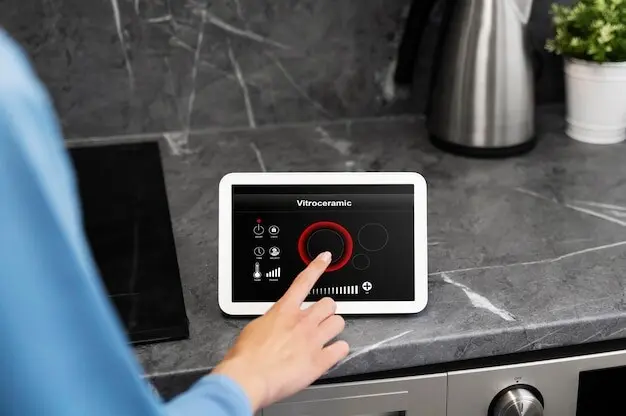
Once daily chores flow, broaden the canvas. Smart plugs and sensors anticipate needs, health trackers provide gentle nudges, and budgeting workflows protect future you. The key is consent and comfort: build automations that feel like help, not surveillance. Start with reversible actions, short feedback loops, and transparent logs. That way, your living space, body data, and money routines harmonize instead of arguing for your attention.

A home that anticipates you

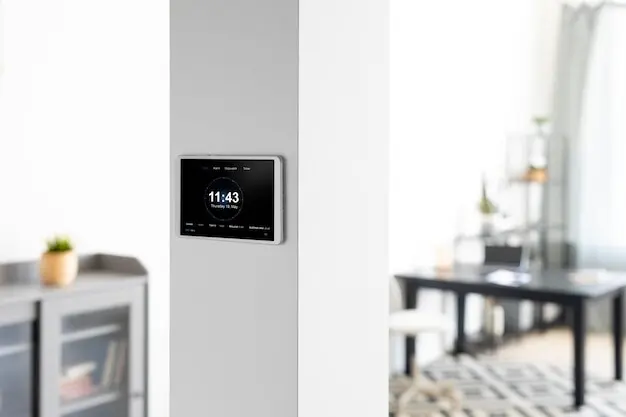
Use presence detection from your phone to warm lights, queue a favorite playlist, and open a notes app for quick capture when you arrive. Motion plus time rules avoid false triggers at night. Seasonal scenes adjust color temperature automatically. With carefully scoped conditions, your environment welcomes you reliably without creepy surprises, and every return home feels supportive, not performative or fussy about exact steps and timing.

Health nudges that feel human

Pair step data with calendar context to nudge a ten-minute walk between meetings, not during focused writing. If heart rate rises late at night, a shortcut dims screens and queues a breathing exercise. Morning routines log sleep quality with a single tap. The emphasis stays compassionate and adjustable, ensuring gentle accountability rather than relentless quantification that can backfire when a busy season inevitably rolls through.

Pick one annoyance and automate it
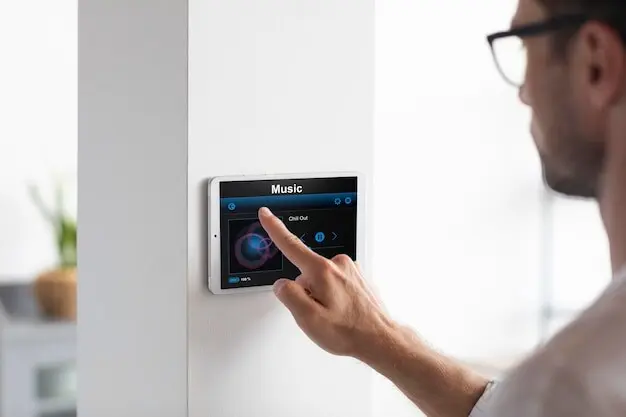
Open your notes app and list five recurring irritations, then star the easiest. Build a five-minute automation using Shortcuts, IFTTT, or a single-step Zap. Make the outcome visible with a confirmation message. If it helps tomorrow, keep it; if not, delete it guilt-free. This playful, iterative approach compounds into surprising relief within weeks, with confidence growing exactly as fast as results appear.

Share your first win with us

Post a short story describing the problem, the trigger you chose, and the action that solved it. Include what went wrong and how you fixed it, so others learn faster. We’ll feature select submissions, credit templates, and offer kind, practical suggestions. Peer feedback multiplies creativity, reveals blind spots, and turns personal experiments into community wisdom you can revisit whenever you design the next improvement.

Join the no-code cohort

Subscribe for weekly guides, live walkthroughs, and gentle accountability check-ins. Each month, we tackle one real-life area—communication, planning, wellness, or home—and publish tested recipes with clear safeguards and rollback steps. You’ll receive templates, office hour invites, and a supportive forum for thorny questions. Together, we build resilient habits, respectful boundaries, and joyful routines that continue working when schedules, tools, and priorities inevitably shift.
Darisanovexozentosentokaro
Privacy Overview

This website uses cookies so that we can provide you with the best user experience possible. Cookie information is stored in your browser and performs functions such as recognising you when you return to our website and helping our team to understand which sections of the website you find most interesting and useful.